Subscriptions

IPTV plans and subscriptions

Choose how long you want your subscription to run and how many people need to watch at the same time. Every option includes the same setup guidance and the same help afterwards.

Subscriptions

Choose the subscription that fits your household

One connection means one device watching at a time. You can install the player app on more devices than that.

1 Month

1 Connection

US$25

billed once for one month

  • 4K Ultra HD ready
  • 24,000+ live channels
  • 90,000+ movies and series
  • EPG programme guide
  • 24/7 support
  • Anti-freeze technology
  • One connection — one device watching at a time
  • Works with standard IPTV player apps you install yourself
Enquire about 1 Month

Prepaid term, no auto-renewal. Subscription terms

3 Months

1 Connection

US$45

billed once for three months
Works out at US$15 a month

  • 4K Ultra HD ready
  • 24,000+ live channels
  • 90,000+ movies and series
  • EPG programme guide
  • 24/7 support
  • Anti-freeze technology
  • One connection — one device watching at a time
  • Works with standard IPTV player apps you install yourself
Enquire about 3 Months

Prepaid term, no auto-renewal. Subscription terms

6 Months

1 Connection

US$65

billed once for six months
Works out at US$10.83 a month

  • 4K Ultra HD ready
  • 24,000+ live channels
  • 90,000+ movies and series
  • EPG programme guide
  • 24/7 support
  • Anti-freeze technology
  • One connection — one device watching at a time
  • Works with standard IPTV player apps you install yourself
Enquire about 6 Months

Prepaid term, no auto-renewal. Subscription terms

Choosing

How to pick the right subscription

Two questions decide it, and neither of them is technical.

How many people watch at the same time?

This is the one people get wrong most often. You can install the subscription on several devices, but the number of streams that can play simultaneously is set by the plan. A household where one person watches in the living room while another watches in a bedroom needs more than one connection; a household that only ever watches together does not.

How long do you want to commit for?

A shorter period costs less up front and lets you see how the service behaves on your own connection before committing further. A longer period usually works out lower per month. If you have never used internet television before, the shorter option is the sensible place to start.

If you are not sure, tell us what you watch and on what, and we will say which option we would choose in your position — including when the answer is that this service is not the right fit.


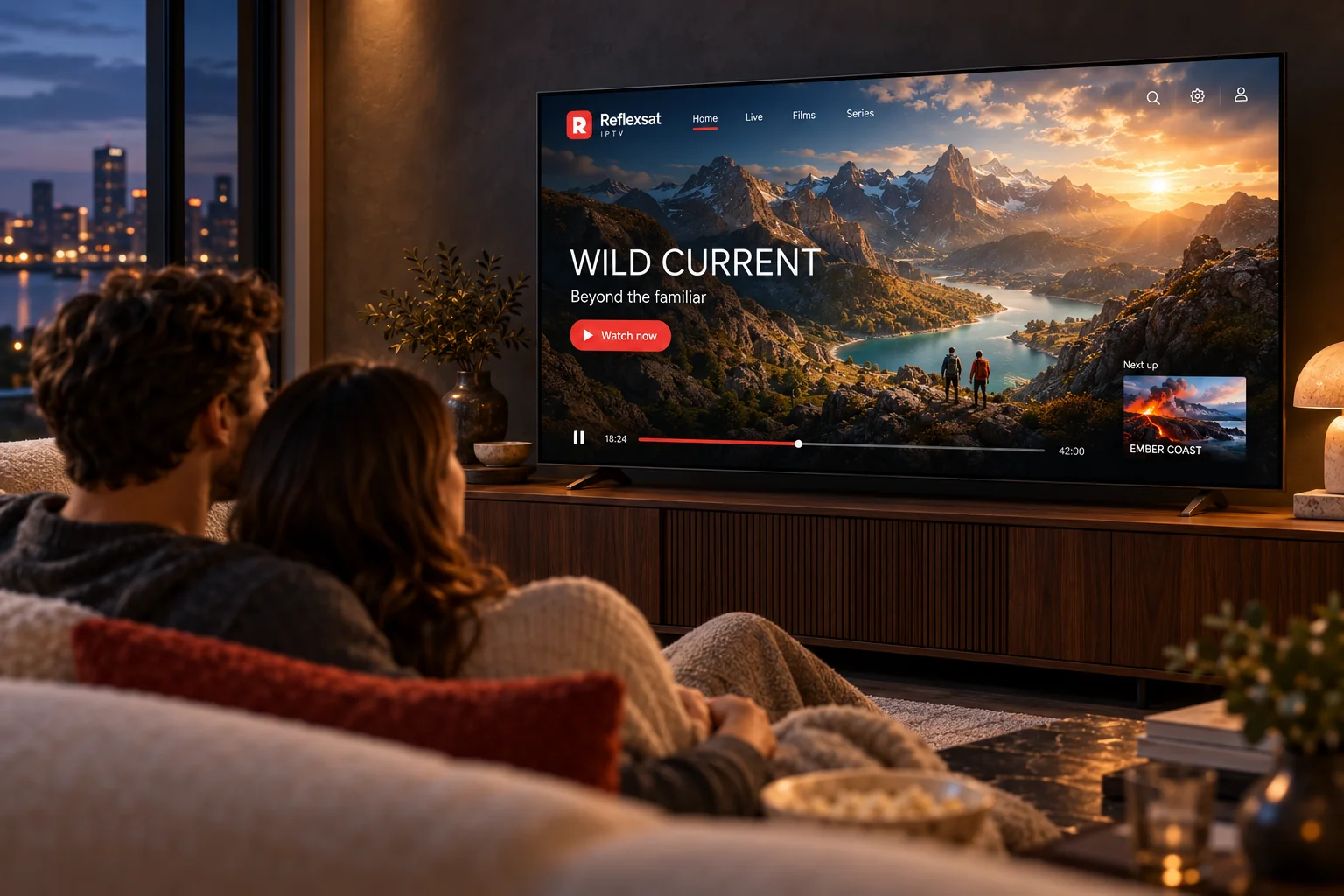
Two adults relaxing on a sofa while a mountain programme plays on the television.

Before you order

Worth checking first

Your device

Send us the make, model and rough age of the television or streaming device you plan to use. It takes a minute and avoids the most common disappointment.

Your connection

A stable line matters more than a fast one. If your television is far from the router and the signal is weak, fix that first — it will affect any streaming service, not just this one.

What you want to watch

Tell us the programming that actually matters to you before you order, rather than afterwards. We will tell you whether it is part of what we can offer.

Questions about subscriptions

What is Reflexsat IPTV?
Reflexsat IPTV is an internet television subscription. Instead of receiving a signal through a dish or a cable, your television or streaming device downloads the programme stream over your home internet connection. You keep your existing broadband, and you watch through a compatible IPTV player application on a device you already own.
How does an IPTV subscription work?
After your subscription is arranged you receive the connection details for your account and instructions for the player you intend to use. You install a compatible IPTV player on your device, enter those details once, and the player loads the programme list from the service. From then on you simply open the player and choose what to watch.
Which devices can I use?
Any device that can run a compatible IPTV player application and reach the internet is a candidate: Smart TVs, Amazon Fire TV sticks, Android TV boxes, Apple TV, Android phones and tablets, iPhone and iPad, and Windows or Mac computers. The player you need differs from platform to platform, which is why each device has its own setup guide on this site. If you are not sure whether your particular model will work, send us the make and model before you order.
How do I install a compatible IPTV player?
You install it the same way you install any other application on that device — from its own app store, or by the method the device supports for applications that are not in the store. Our installation guides take each supported device step by step, from finding the application through to entering your account details and loading the programme list for the first time.
Can I use one subscription on several devices?
You can set a subscription up on more than one device, but the number of streams that can play at the same time depends on the plan you hold. If more than one person in the household watches at once, tell us when you enquire so that the right number of simultaneous connections is arranged from the start.
What internet connection do I need?
A stable connection matters more than a fast one. Streaming high definition television generally needs a reliable broadband line, and higher resolutions need more of it. A wired Ethernet connection to the television or streaming box is the single most effective improvement most households can make; if that is not practical, keep the device within good range of the router and use the 5 GHz band where it is available.

Next step

Ready to explore Reflexsat IPTV?

Browse the available subscription options, or send us a message and we will help you choose a plan and get your device set up.

Chat on WhatsApp