Television delivered over your internet connection
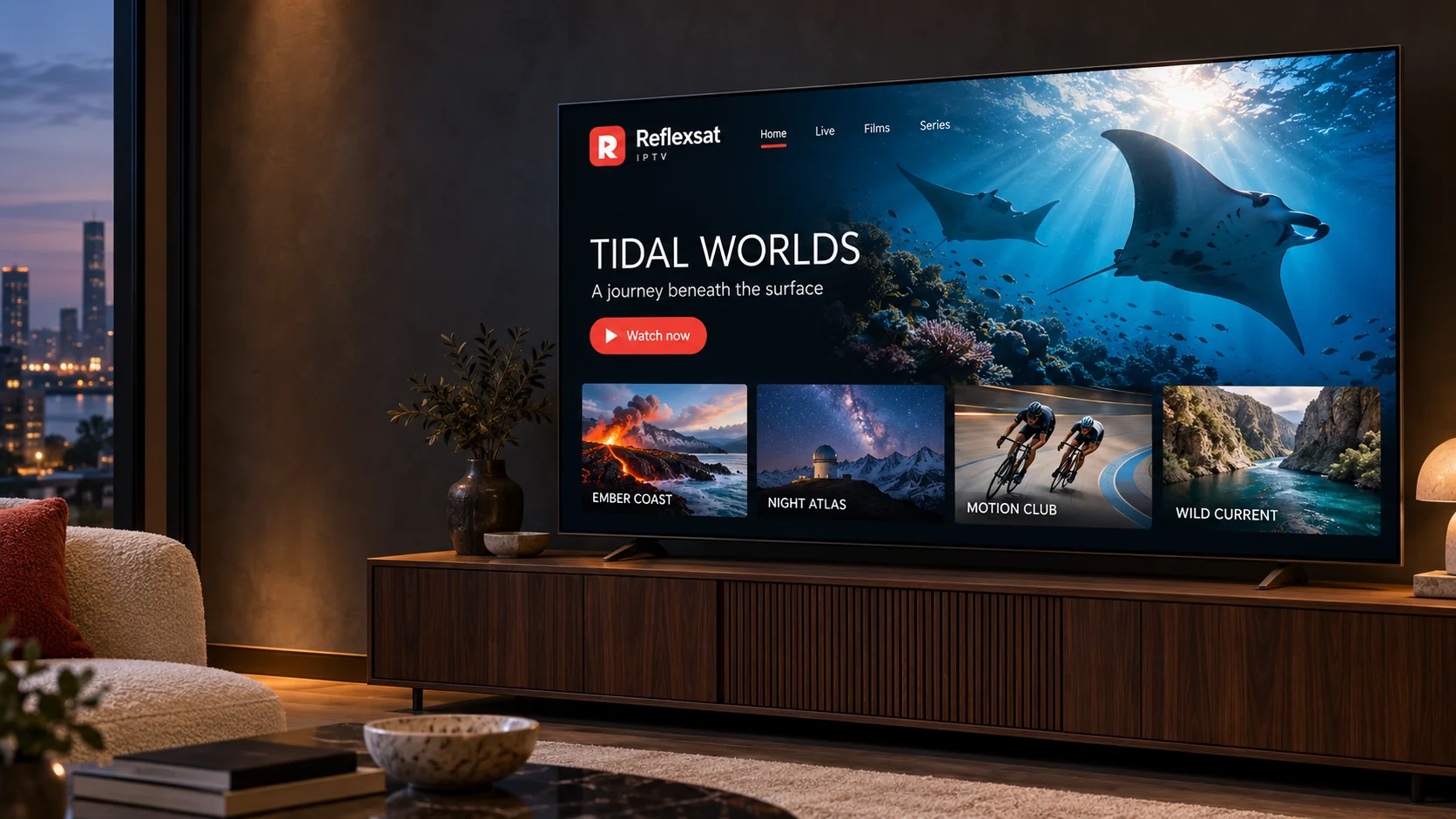
IPTV stands for internet protocol television. Rather than arriving through a satellite dish or a cable, the programme stream travels over the same broadband line you already use for everything else, and your television or streaming device plays it.
In practice that means there is nothing to install on your wall and no engineer visit. You install a compatible IPTV player on a device you already own, enter the account details we send you once, and the player loads the programme list. After that, watching is a matter of opening the app and choosing something.
A subscription for a fixed period, confirmed with you before anything is arranged.
Account details and setup instructions written for your specific device.
Help from a real person while you set it up and afterwards.
Subscriptions
Choose the subscription that fits your household
One connection means one device watching at a time. You can install the player app on more devices than that.
1 Month
1 Connection
US$25
billed once for one month
4K Ultra HD ready
24,000+ live channels
90,000+ movies and series
EPG programme guide
24/7 support
Anti-freeze technology
One connection — one device watching at a time
Works with standard IPTV player apps you install yourself
No uptime percentages, no channel counts and no promises we cannot keep — just a clear account of how the service works and where we help.
Works with what you already own
Smart TVs, streaming sticks, Android boxes, Apple TV, phones, tablets and computers are all candidates. We confirm the right player for your exact device before you commit to anything.
Setup you are walked through
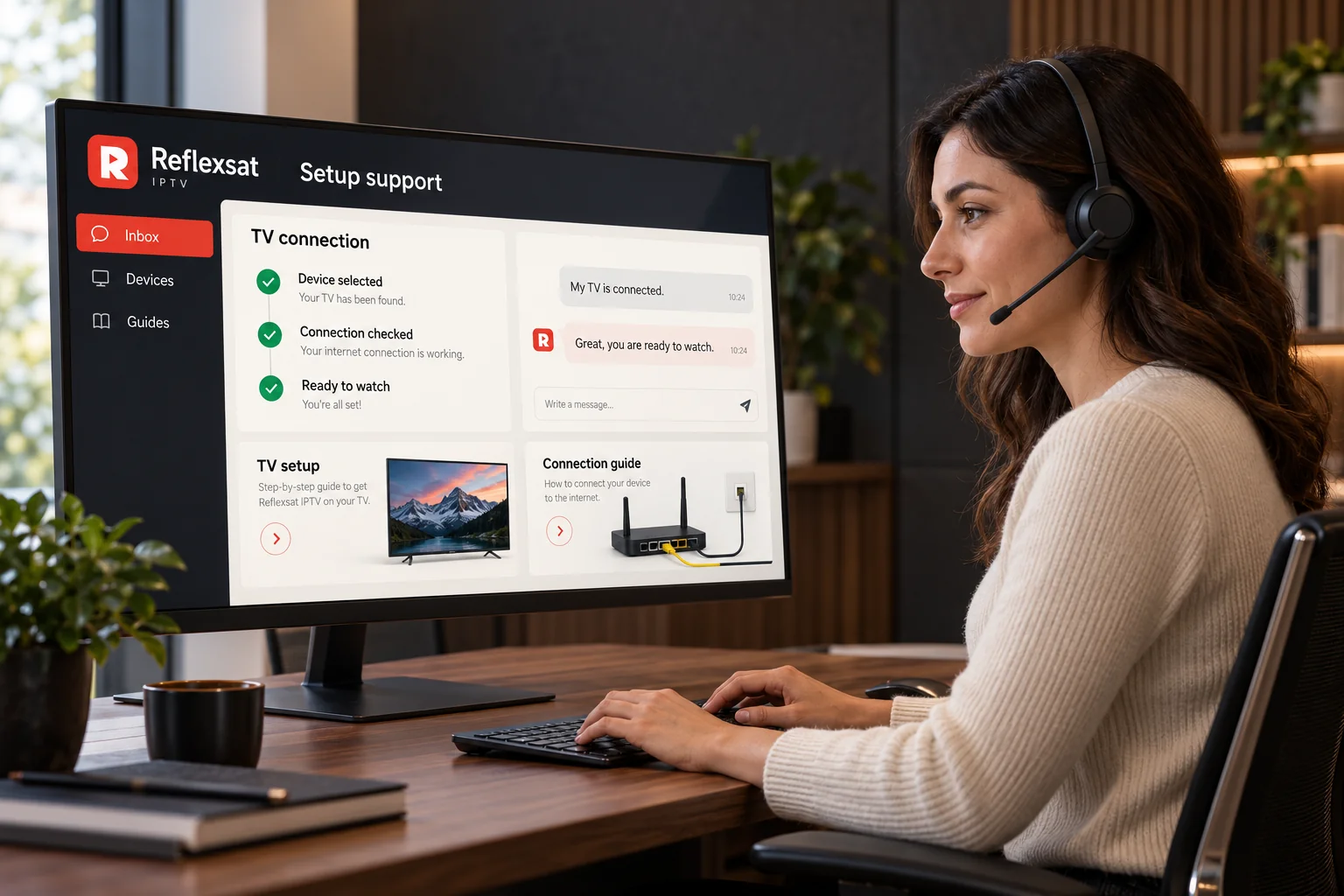
Every supported device has a written guide on this site, and if the guide does not match what you see on screen you can send us a photo and we will tell you what to press.
Subscription lengths that suit you
Shorter periods suit people who want to try the service before committing. Longer periods suit households that have already settled on it. Ask us which options are open at the moment.
A real person to talk to
Questions about your account, your device or a channel that will not play go to the same team, over WhatsApp or by phone, rather than into a ticket queue.
Built for international viewers
The service is delivered over the internet, so where you live matters far less than the quality of your connection. We will tell you honestly if we think your line is not up to it.
Clear about what you get
We would rather tell you what a subscription does and does not cover before you pay than have you discover it afterwards. Ask us anything specific and you will get a direct answer.
Channels & content
The kinds of programming people subscribe for
What is available changes over time and differs between subscriptions. Ask us about the programming you care about before you order, and you will get a straight answer.
Live television
Scheduled channels that play the same programme at the same time for everyone watching, the way broadcast television always has.
Films
On-demand titles you start when you want to, pause and come back to later.
Series
Episodic programmes organised by series and episode so you can pick up where you left off.
Sport
Live sport is the most demanding thing you can stream. We will tell you plainly what your connection can support before you rely on it.
News
Rolling news channels, including international ones that are hard to find on a standard package.
Documentaries
Factual programming — nature, history, science and current affairs — for viewers who watch more of it than drama.
Family & children
Programming aimed at younger viewers, usually grouped together so it is easy to find and easy to keep an eye on.
International programming
Channels in other languages and from other countries, which is one of the main reasons households move to internet television in the first place.
Compatible devices
Watch on the equipment you already own
Each platform installs applications differently, so each one has its own guide. If your model is unusual, send us the make and model before you order and we will confirm what it needs.
One subscription, several screens
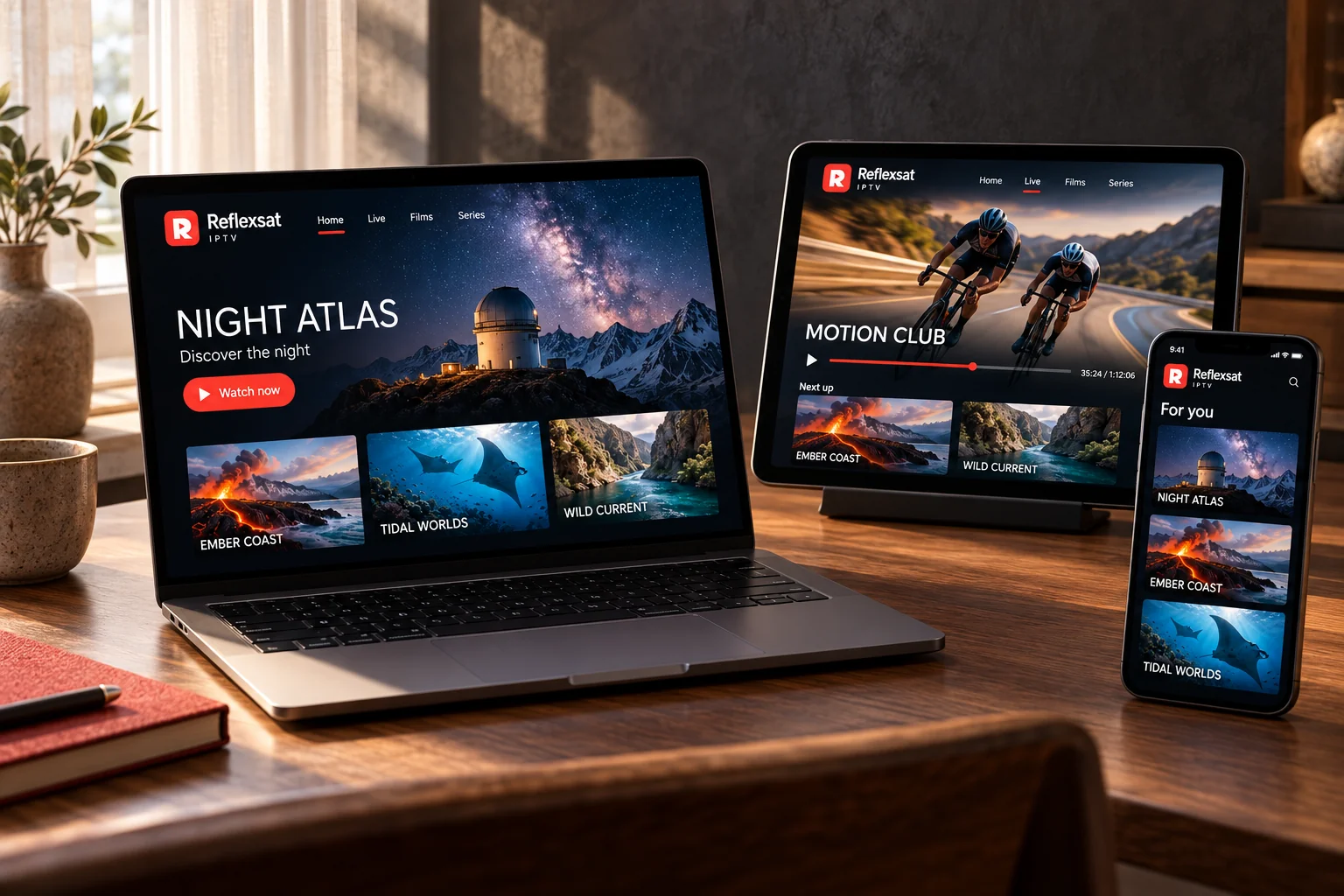
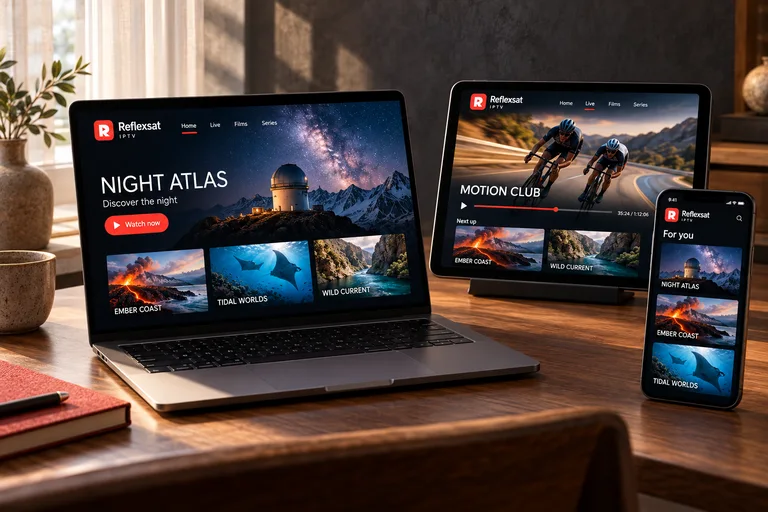
A subscription can be set up on more than one device — the television in the living room, a tablet in the kitchen, a phone while travelling. How many of those can play at the same moment depends on the plan you hold, which is why we ask how many people watch at once before recommending one.
Setting a phone up first is the quickest way to confirm everything works. It takes a couple of minutes and rules out a whole category of problems before you touch the television.
Smart TVs
Samsung, LG and other connected televisions
Most connected televisions can run an IPTV player straight from their own app store, with no extra hardware at all. Which players are listed depends on the manufacturer, the operating system and how old the set is.
Amazon Fire TV & Firestick
Fire TV Stick, Fire TV Cube and Fire TV built-in
A Fire TV stick is the most common way to add streaming to a television that cannot do it alone. It plugs into an HDMI port, runs on its own remote and handles IPTV players comfortably.
Android TV & Google TV
Android TV boxes, Google TV sticks and built-in Android televisions
Android TV and Google TV give you the widest choice of IPTV players of any television platform, because almost every player is built for Android first.
Apple TV
Apple TV HD and Apple TV 4K
Apple TV is a straightforward platform for IPTV: everything is installed from the tvOS App Store, there is nothing to sideload, and playback is consistent.
Android phones & tablets
Phones and tablets running Android
A phone or tablet is the easiest way to test a new subscription, because you can set it up in a couple of minutes and confirm everything works before touching the television.
iPhone & iPad
iOS and iPadOS devices
iPhone and iPad work in much the same way as Apple TV: the player comes from the App Store and setup is a single screen.
Windows & Mac computers
Desktop and laptop computers
A computer is a useful second screen and an excellent way to check whether a problem lies with your television or with the connection itself.
Getting started
From first message to first programme
Five steps, none of which require you to know anything technical in advance.
Tell us about your setup
Message us with the device you intend to watch on and how many people will watch at the same time. That is enough for us to tell you which options fit.
Confirm your plan
We confirm the subscription length, the number of simultaneous connections and the price before anything is arranged, so there is nothing to discover afterwards.
Receive your details
Your account details arrive with the setup instructions for your specific device. Keep that message — you will want it again if you change television or reinstall the player.
Set up your device
Follow the guide for your device, or follow along with us on WhatsApp if you would rather not do it alone. It is normally a five-minute job.
Start watching
Open the player, let the programme list load and choose something. After the first time, that is the whole routine.
Streaming experience
What decides how good the picture looks
Picture quality on any internet television service is the result of several things working together. It is worth understanding them before you buy, because it tells you what to expect in your own home.
Resolution depends on three things at once
How the programme itself was produced and delivered, what your screen and device can display, and what your connection can sustain. A 4K television cannot improve a stream that was never 4K, and a 4K stream over a weak line will look worse than an HD one.
Stability beats raw speed
A consistent connection with no dropouts gives a better picture than a fast connection that fluctuates. Speed-test figures taken once tell you very little about what an evening of viewing will look like.
Use a cable where you can
An Ethernet cable from the router to the television or streaming box is the single most effective change most households can make. Where that is impractical, use the 5 GHz band and keep the device within good range of the router.
The device matters more than people expect
An underpowered streaming box or an old television’s built-in player will stutter on streams that a modern device handles without trouble. If everything buffers on one device and nothing buffers on another, you have found the cause.
Troubleshoot in order
Restart the player, then the device, then the router, checking after each step. If a single channel misbehaves while everything else is fine, the issue is with that stream and not with your setup — tell us which one.
Because those factors sit partly outside our control, we do not promise uninterrupted playback or a fixed resolution. We will tell you honestly what your setup is likely to manage.
Customer support
Help with choosing, setting up and keeping it working
The same team answers questions before you subscribe and after, so you are never passed between departments.
Choosing a subscription
How long a period makes sense for you, and how many simultaneous connections your household actually needs.
Device setup
Which player to install on your exact model, and what to do when the screen in front of you does not match the guide.
Account and activation
Questions about your details, moving your subscription to a new device, or renewing before your period ends.
Playback problems
Buffering, a channel that will not start, or a picture that looks worse than it did yesterday.
Payment questions
What is included in a given period, how renewal works and anything you want clarified before you pay.
Get in touch
Message us on WhatsApp for the quickest reply, or call if you would rather talk it through.
The things people ask most often before they subscribe. If yours is not here, send it over.
What is Reflexsat IPTV?
Reflexsat IPTV is an internet television subscription. Instead of receiving a signal through a dish or a cable, your television or streaming device downloads the programme stream over your home internet connection. You keep your existing broadband, and you watch through a compatible IPTV player application on a device you already own.
How does an IPTV subscription work?
After your subscription is arranged you receive the connection details for your account and instructions for the player you intend to use. You install a compatible IPTV player on your device, enter those details once, and the player loads the programme list from the service. From then on you simply open the player and choose what to watch.
Which devices can I use?
Any device that can run a compatible IPTV player application and reach the internet is a candidate: Smart TVs, Amazon Fire TV sticks, Android TV boxes, Apple TV, Android phones and tablets, iPhone and iPad, and Windows or Mac computers. The player you need differs from platform to platform, which is why each device has its own setup guide on this site. If you are not sure whether your particular model will work, send us the make and model before you order.
Can I use one subscription on several devices?
You can set a subscription up on more than one device, but the number of streams that can play at the same time depends on the plan you hold. If more than one person in the household watches at once, tell us when you enquire so that the right number of simultaneous connections is arranged from the start.
What internet connection do I need?
A stable connection matters more than a fast one. Streaming high definition television generally needs a reliable broadband line, and higher resolutions need more of it. A wired Ethernet connection to the television or streaming box is the single most effective improvement most households can make; if that is not practical, keep the device within good range of the router and use the 5 GHz band where it is available.
How will I receive my setup instructions?
Your account details and the instructions for your chosen device are sent to you through the channel you used to get in touch, normally WhatsApp. Keep that message: you will need the same details again if you change device, reset your television or reinstall the player.
What should I do if my stream buffers?
Work through it in order: restart the player, then the device, then the router. Try a wired connection if you can, or move closer to the router. Check whether another device on the same network is downloading something large. If one particular channel buffers while everything else plays normally, the problem is specific to that stream rather than to your setup — tell us which channel and we will look into it.
How do I contact customer support?
Message us on WhatsApp using the button on any page of this site, or call +44 7868 240819. Tell us the device you are using and what you see on screen, and include a photograph of any error message — it is usually the quickest way to resolve a problem in one exchange.
From the blog
Guides and explanations
Practical articles about internet television, device setup and the problems people actually run into.