

Support

Customer support

Help choosing a subscription, setting up a device, managing your account and fixing playback — from the same team, before and after you subscribe.

What we can help with

Choosing a subscription

How long a period makes sense for you, and how many simultaneous connections your household actually needs.

Device setup

Which player to install on your exact model, and what to do when the screen in front of you does not match the guide.

Account and activation

Questions about your details, moving your subscription to a new device, or renewing before your period ends.

Playback problems

Buffering, a channel that will not start, or a picture that looks worse than it did yesterday.

Payment questions

What is included in a given period, how renewal works and anything you want clarified before you pay.
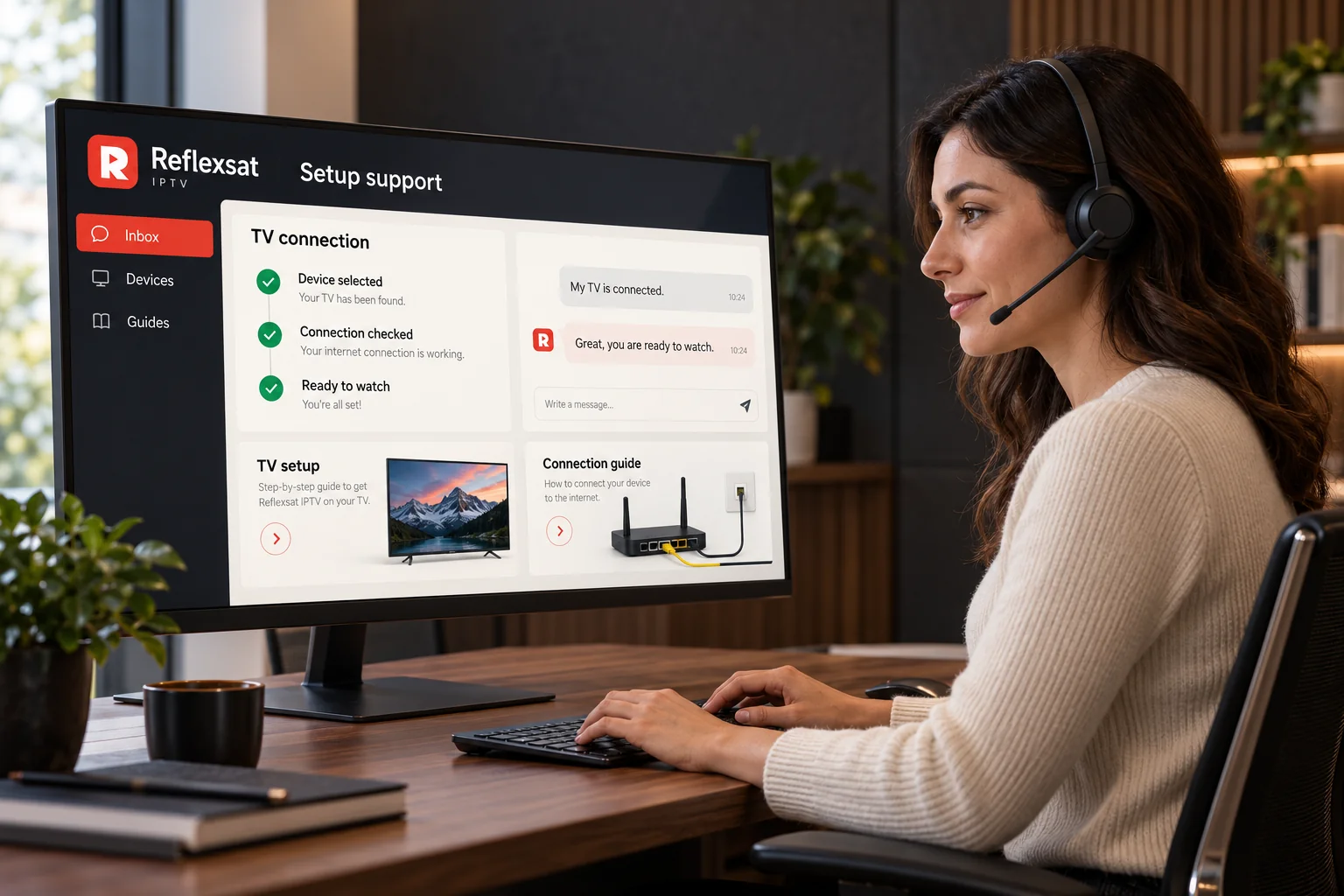
Support specialist at a desk beside a screen showing television setup steps.

How to get a useful answer quickly

Most exchanges take longer than they need to because the first message says only that something is not working. Four details usually turn three messages into one.

  • The device you are watching on, with its make and model.
  • What you see on screen, including a photograph of any error message.
  • Whether the problem affects every channel or only one.
  • Whether the device is connected by cable or over Wi-Fi.

We do not publish guaranteed response times or support hours, because we would rather not promise something we cannot hold to every day. Messages are read and answered as quickly as we are able.

Self-service

Try this before you message us

  1. Close the player completely and reopen it.
  2. Restart the device itself, not just the application.
  3. Restart the router and let it come back fully before testing.
  4. Open the same account on a phone to see whether the device or the account is at fault.
  5. Note whether every channel is affected or just one.

If the phone plays cleanly on the same network, the subscription is working and the problem is the other device or its connection. That single test saves more time than anything else on this page.

Support questions

Can I use one subscription on several devices?
You can set a subscription up on more than one device, but the number of streams that can play at the same time depends on the plan you hold. If more than one person in the household watches at once, tell us when you enquire so that the right number of simultaneous connections is arranged from the start.
What internet connection do I need?
A stable connection matters more than a fast one. Streaming high definition television generally needs a reliable broadband line, and higher resolutions need more of it. A wired Ethernet connection to the television or streaming box is the single most effective improvement most households can make; if that is not practical, keep the device within good range of the router and use the 5 GHz band where it is available.
How will I receive my setup instructions?
Your account details and the instructions for your chosen device are sent to you through the channel you used to get in touch, normally WhatsApp. Keep that message: you will need the same details again if you change device, reset your television or reinstall the player.
How do I contact customer support?
Message us on WhatsApp using the button on any page of this site, or call +44 7868 240819. Tell us the device you are using and what you see on screen, and include a photograph of any error message — it is usually the quickest way to resolve a problem in one exchange.
How do I renew my subscription?
Get in touch before your current period ends and we will arrange the renewal. Renewing on the same account keeps your existing setup intact, so you do not need to reinstall the player or reconfigure your television.
What should I do if my stream buffers?
Work through it in order: restart the player, then the device, then the router. Try a wired connection if you can, or move closer to the router. Check whether another device on the same network is downloading something large. If one particular channel buffers while everything else plays normally, the problem is specific to that stream rather than to your setup — tell us which channel and we will look into it.

Next step

Ready to explore Reflexsat IPTV?

Browse the available subscription options, or send us a message and we will help you choose a plan and get your device set up.

Chat on WhatsApp